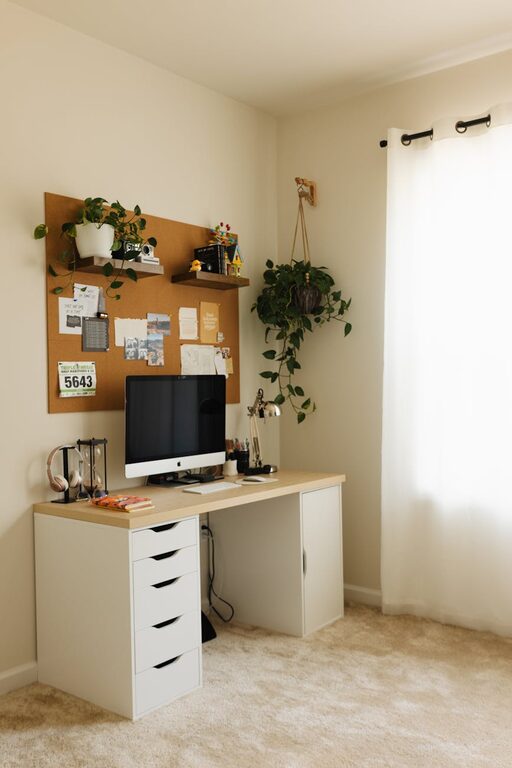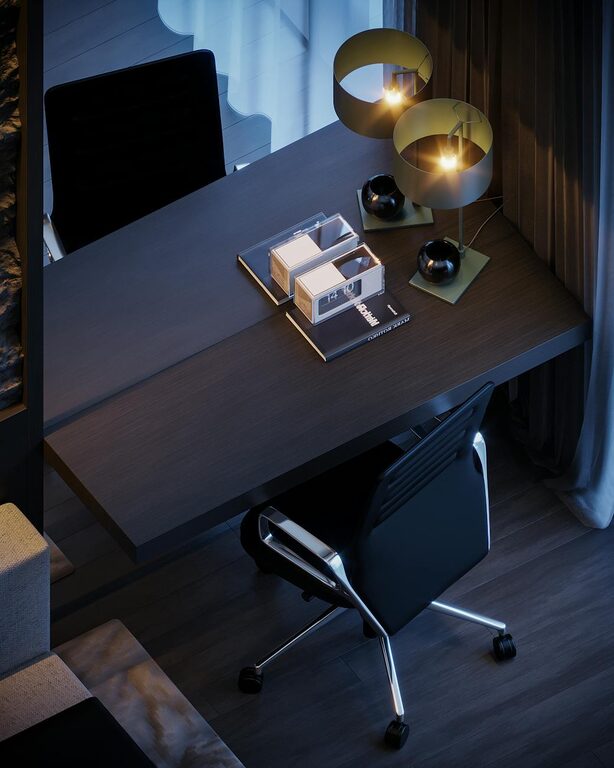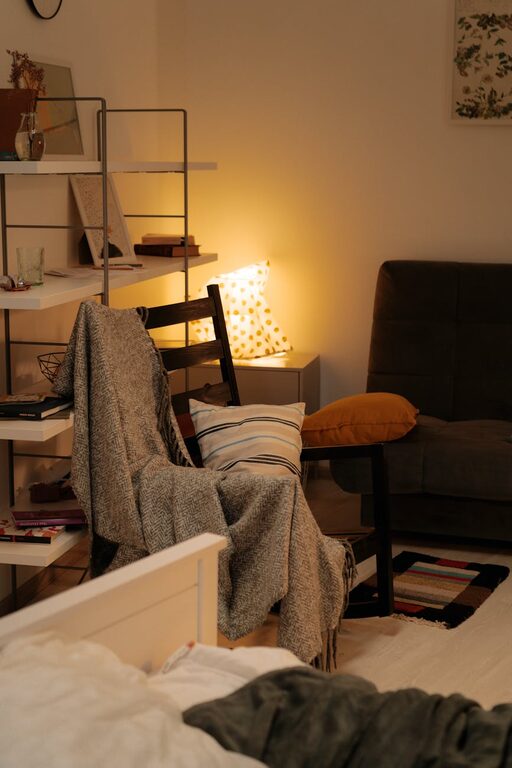
Creating a home office that is both cozy and functional can significantly improve your work-from-home experience. Whether you’re a full-time remote worker or occasionally work from home, a thoughtfully designed workspace helps you stay focused, comfortable, and productive. This guide offers practical tips to set up a home office that feels inviting yet supports your daily tasks effectively.
Choose the Right Location
The first step in creating a home office is selecting an appropriate spot. Ideally, choose a quiet area with minimal distractions and good natural light. If possible, find a space separate from high-traffic rooms to help maintain focus.
– Near a window: Natural light reduces eye strain and uplifts your mood.
– Away from noise: Avoid spaces close to televisions, busy kitchens, or entryways.
– Sufficient space: Ensure there’s enough room for your desk, chair, and any necessary equipment.
Invest in Comfortable and Supportive Furniture
Comfort is crucial when setting up your office. Long hours at a poorly designed desk or chair can cause discomfort and affect your productivity.
– Ergonomic chair: Choose one with adjustable height, lumbar support, and comfortable padding.
– Desk size and height: Ensure your desk has enough surface area for your computer, documents, and accessories, and its height should promote good posture.
– Additional furniture: Consider shelves or filing cabinets to keep important materials organized and within reach.
Optimize Lighting for Comfort and Focus
Good lighting prevents eye strain and creates an inviting environment.
– Natural light: Position your desk near a window but avoid glare on your screens.
– Task lighting: Use a desk lamp with adjustable brightness for focused work.
– Ambient lighting: Soften the room with warm overhead lights or floor lamps to create a cozy atmosphere.
Organize Your Workspace Efficiently
Clutter can distract and reduce productivity. Keeping your office tidy creates a pleasant, efficient atmosphere.
– Use organizers: Desk trays, drawers, and file holders can manage papers and supplies.
– Cable management: Use clips or sleeves to keep cords neat and out of the way.
– Digital declutter: Keep your computer desktop organized and back up important files regularly.
Add Personal Touches for Warmth
A home office should feel welcoming, so add personal touches that inspire you without causing distractions.
– Artwork and photos: Hang or display images that motivate or soothe you.
– Plants: Incorporate greenery to improve air quality and add a natural element.
– Colors: Use calming or inspiring colors either through paint, accessories, or decorations.
Create Zones for Different Activities
If space allows, organize your office into zones dedicated to various tasks.
– Work zone: Your main desk area for computer work and meetings.
– Reading or brainstorming: A comfortable chair or small couch where you can think or read.
– Storage zone: Shelves or cabinets for materials and supplies.
This zoning helps separate activities and keeps the workflow organized.
Prioritize Technology That Supports Your Work
Having reliable technology minimizes frustration and maximizes efficiency.
– High-speed internet: Ensure your connection can handle video calls and large files.
– Quality peripherals: Invest in a good keyboard, mouse, and headset if needed.
– Backup power: Consider a surge protector or uninterruptible power supply (UPS) to protect work during outages.
Incorporate Break and Movement Opportunities
Working from home makes it easy to stay seated for long periods, which isn’t ideal.
– Flexible furniture: Use sit-stand desks or adjustable workstations if possible.
– Break area: Have a spot nearby where you can stretch or relax briefly.
– Reminders: Set regular alarms or use apps to encourage movement and breaks.
Keep Air Quality and Temperature Comfortable
The physical environment affects how you feel and perform.
– Ventilation: Open windows or use fans to keep fresh air circulating.
– Temperature control: Use heaters or air conditioning to maintain a comfortable temperature.
– Humidity: Consider a humidifier in dry climates to avoid dryness and irritation.
Set Boundaries for Work and Personal Time
Finally, especially if your home office is shared with others, establish rules to maintain boundaries.
– Work hours: Define clear work periods.
– Signage: Use signs or visual cues to indicate when you’re busy.
– Communication: Inform household members of your schedule to minimize interruptions.
—
Designing a cozy and functional home office isn’t about having a large space or expensive equipment — it’s about creating an environment tailored to your needs. By focusing on comfort, organization, and personalization, you can design a workspace that supports your productivity and wellbeing every day.
About the Author